Speak to our specialist sales team | 0151 372 7766 | in**@**************co.uk
Public sector & education POs accepted






Available in 55", 65", 75", 86”, 98"
From: £1,465.00 + VAT





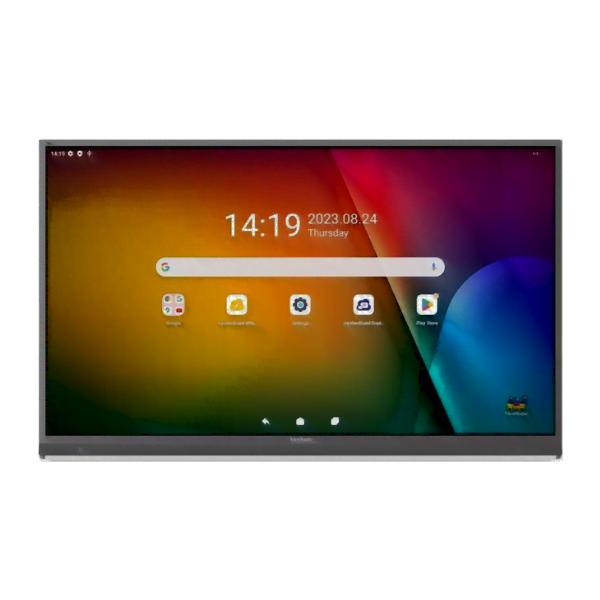
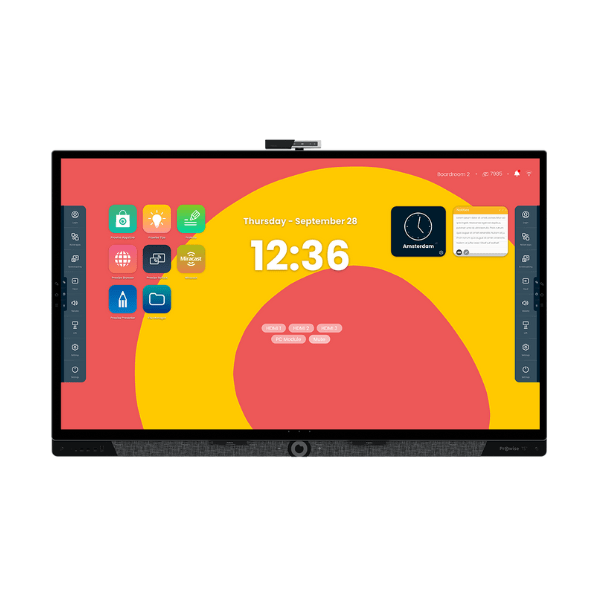
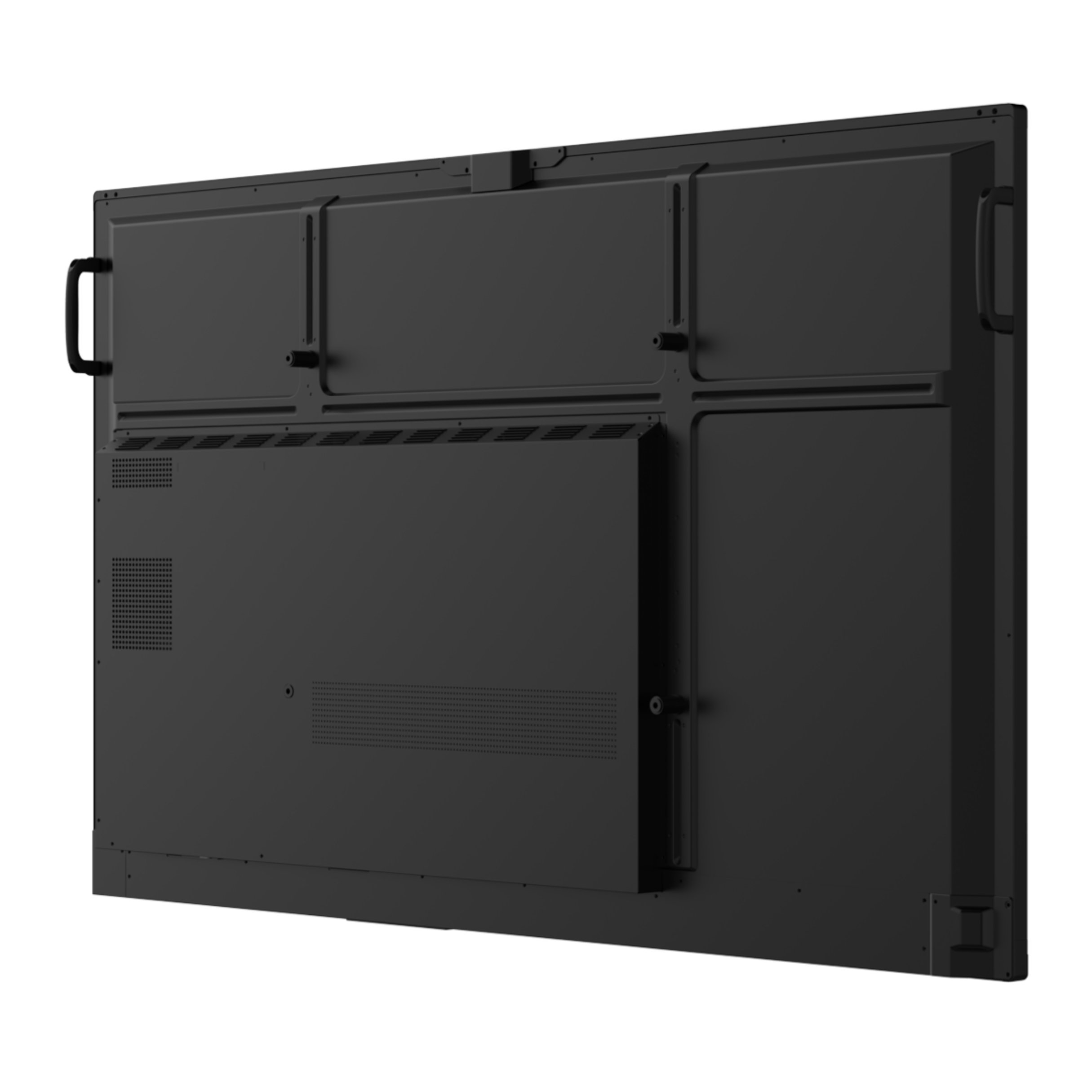
The ViewSonic ViewBoard® IFP41-1-1C Series brings great performance and easy interactivity to any classroom. The screen will automatically adjust brightness according to ambient light and PIR motion sensors for sustainability; the use of 64-point touch on the screen and Write Away to annotate directly on the screen means that collaborative work can be done smoothly and responsively. The two USB-C ports make it easy to connect and power devices, with a power delivery capacity of up to 100W from a single cable for both charging and data transfer. The interactive display is certified EDLA, runs on an Android 16 operating system, receives regular security updates, and provides access to many of the newest apps in the Google Play Store. By combining the very functional ViewSonic Education Software with the interactive display, teachers can use whiteboarding, wireless casting, and device management solutions to create a smart, secure, and connected teaching environment.

The ViewSonic ViewBoard® IFP41-1-1C Series brings interactive, high-performance displays to the classroom for seamless teaching and collaboration.
Keep lessons flowing seamlessly with EDLA-certified Android 16, powered by an octa-core processor and 8GB RAM. Switch between tools, launch apps, and stream content with rapid responsiveness. Regular system updates ensure long-term optimization, supporting smoother multitasking and more productive classes.

Unlock advanced protection against evolving threats without increasing administrative workload. Android EDLA certification includes features like Google Play Protect, data encryption, and two-way authentication to safeguard sensitive data while granting access to authorized users only.

Effortlessly evolve familiar workflows with native Google apps teachers know and trust. Full compatibility with Docs, Sheets, and Slides makes classroom instruction easier and more intuitive. Plan lessons, share files, and present materials directly from Drive. No extra setup required.

Support multiple users with individual logins, each featuring its own customized interface, preferred apps, and connected cloud services. Switching between accounts is quick and secure with password protection, while a dedicated guest profile allows temporary access without compromising other teachers’ settings, privacy, or confidential data.
Reduce power consumption with no interruption to lessons. Built-in ambient light and PIR motion sensors automatically power the display on when the classroom is in use and off when it’s empty. With ENERGY STAR 8.0 certification and a strong EEI rating, the ViewBoard IFP41-1 Series helps schools lead in sustainability.*65-98″ models rated EEI D. 55″ model rated EEI E.
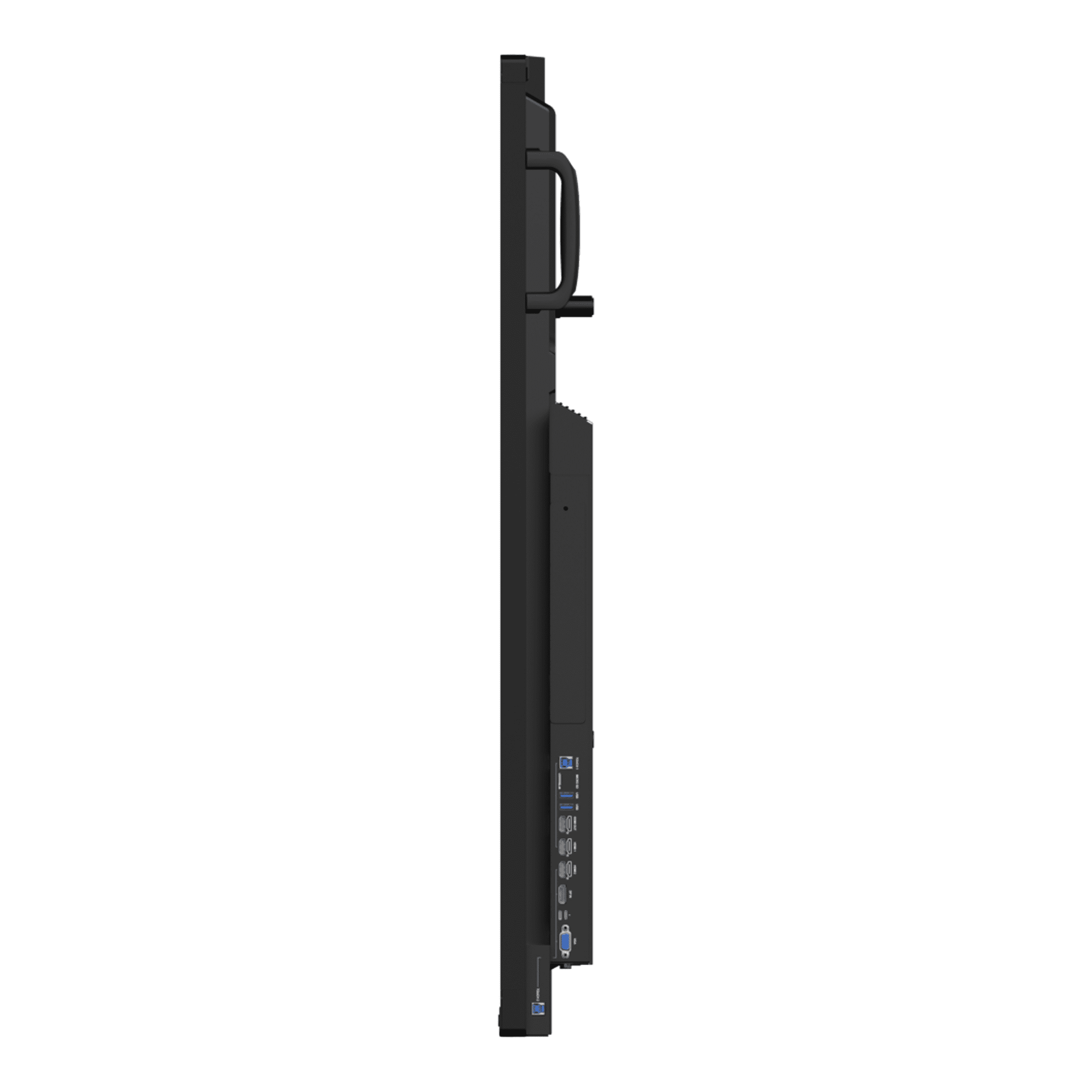
Simplify setup in any classroom with dual USB-C ports. Each supports audio, visual, touch, data, Ethernet, and up to 100W power delivery through a single cable, enabling easy pairing with laptops and tablets while reducing clutter. Enjoy instant media playback, responsive control, reliable network access, and convenient charging.
Capture speech from up to 8 meters away with an 8-microphone array supported by echo cancellation, noise reduction, and automatic gain control. The complete 55W 2.1 channel sound system ensures clear communication while delivering balanced, room-filling audio to every student.
Dynamic Instruction with myViewBoard
Turn lessons into interactive experiences. Our easy-to-use whiteboarding solution combines an infinite canvas with flexible tools to fit a wide range of teaching approaches, empowering active participation, inclusive presentation, and real-time collaboration. With just a few quick taps, teachers can import media, highlight key points, and share with the class.

Mirror content from any device in seconds. Share up to 9 screens at the same time for convenient group work and collaborative discussion. Moderation Mode offers full control over what appears on screen, while Touchback Control enables input from connected devices, leaving teachers free to roam the room and interact with students anywhere.
Oversee interactive displays across campus from a single remote dashboard. Quickly deploy updates, schedule tasks, set app visibility, and broadcast multimedia messages to keep classrooms running smoothly. Integration across hardware and software simplifies IT workflows and helps educators focus on learning.*Scheduling and broadcast features require an optional Advanced license.
Oversee interactive displays across campus from a single remote dashboard. Quickly deploy updates, schedule tasks, set app visibility, and broadcast multimedia messages to keep classrooms running smoothly. Integration across hardware and software simplifies IT workflows and helps educators focus on learning.*Scheduling and broadcast features require an optional Advanced license.


Want to know more about this solution? Contact our friendly and specialist sales team today.
We supply great products with fast delivery. For selected projects, we can also provide surveying, installation, training and ongoing support.
Delivery is calculated at checkout, and most in-stock items ship within a few working days. Larger or made-to-order items, such as video walls, LED and some signage, have longer lead times that we confirm before you order. If you need it for a set date, tell us and we will work to it.
Yes. We accept purchase orders from schools, colleges, trusts and public sector bodies as standard and can invoice against your PO. Prices shown are excluding VAT, and VAT is added at checkout.
Both. Many products are supplied and delivered only, and for selected projects we also survey the site, install and set everything up. If you would like installation, add it to your enquiry or ask us for a quote and we will confirm what is available for your product and location.
Every product comes with its manufacturer warranty, which varies by brand and range. On the products and projects that include it, we also provide training and ongoing phone and technical support. We will confirm exactly what is included before you buy.
Yes. Use the quote request on any product, or contact us with your list and quantities, and we will price the full project, including any mounts, installation or training you need.
© 2026 FutureVisuals, a trading name of All Office Ltd. | Website by Crayon Digital