Speak to our specialist sales team | 0151 372 7766 | in**@**************co.uk
Public sector & education POs accepted


Available in 65", 75" & 86"
From: £1,495.00 + VAT





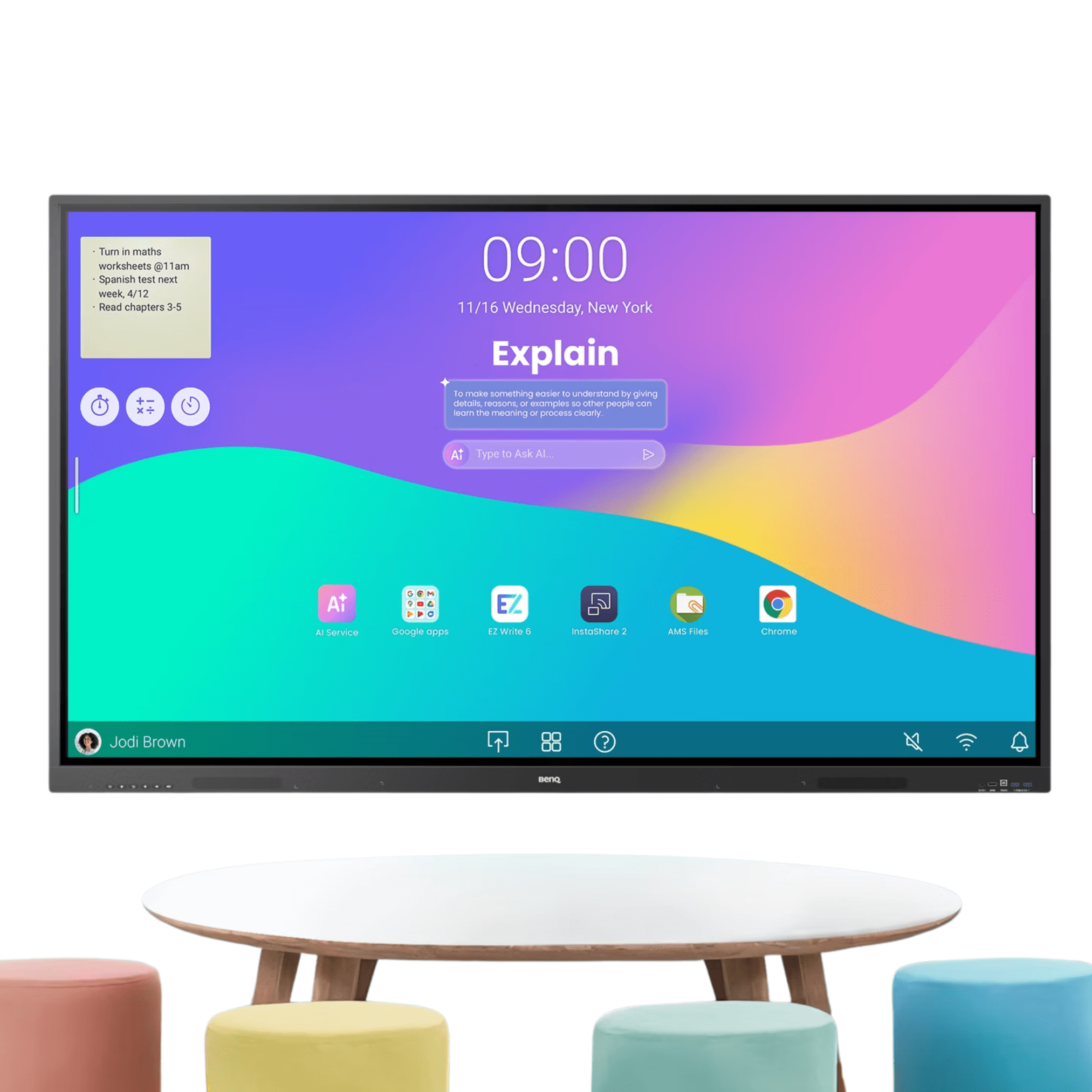
The BenQ RE05A Series Interactive Display Series is a versatile touchscreen display designed to support engaging and collaborative learning experiences. Combining 4K UHD visuals, responsive multi-touch technology, and intuitive classroom tools, this interactive touch panel helps teachers deliver dynamic lessons with ease. With wireless screen sharing, cloud connectivity, and seamless device compatibility, it provides a flexible and efficient solution for modern teaching environments.


The BenQ RE05A Series Interactive Display Series enhances classroom engagement with a powerful, intuitive solution designed for modern teaching and collaborative learning environments.
Google EDLA Certified – Google Play support
6 TOPS NPU – Industry-leading AI
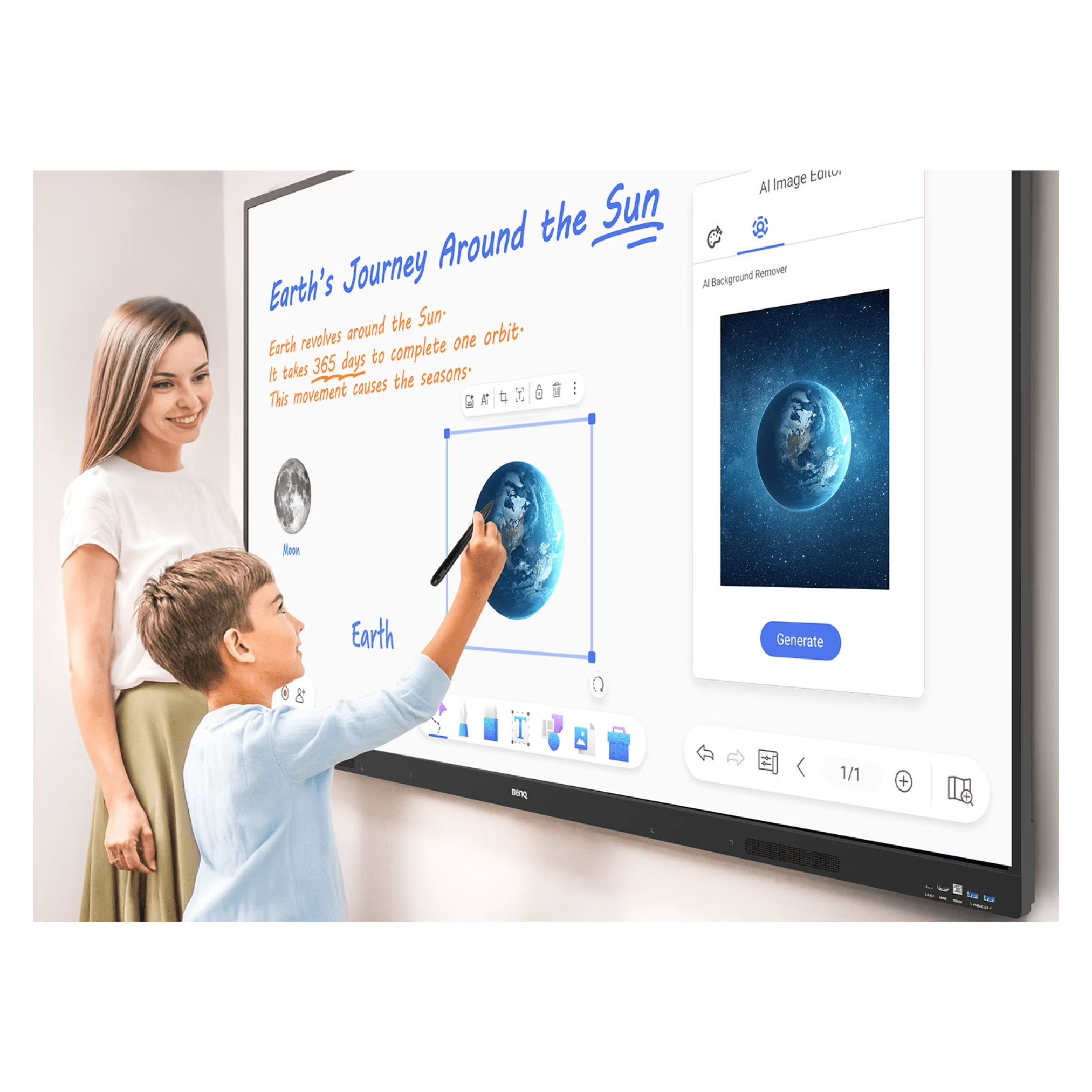
Built-in AI features – Do-it-all teaching assistant
ClassroomCare – Germ-resistance & blue light protection
2 × 25W speakers – Rich, crisp sound
Directory sync – Auto account setup
Android 16 – Future upgradeable
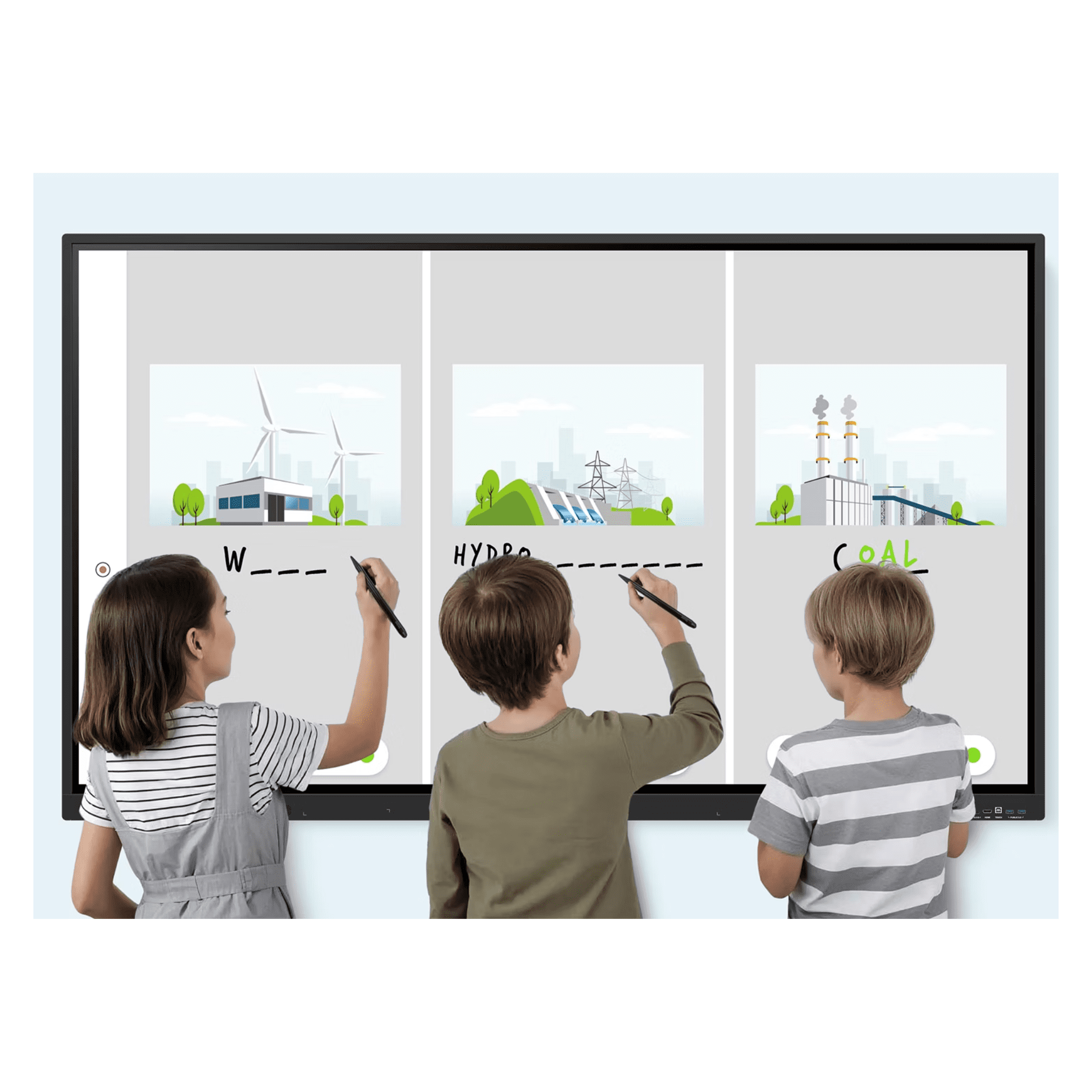
50 touchpoints – Multi-user collaboration
Sign in using single sign-on (SSO) to access your personalised workspace, complete with customised app shortcuts, wallpapers and secure cloud storage.

Managing devices, apps and user accounts has never been easier, helping to reduce the workload for IT teams and streamline day-to-day administration.

A range of smart, easy-to-use tools built directly into your interactive display, designed to simplify teaching and create more engaging lessons.

Built to support modern teaching methods and the changing needs of tomorrow’s classrooms with the BenQ RE05A Series Interactive Display Series.
Create, share and collaborate effortlessly with EZWrite 6. Expand your workspace with an extended canvas, split screens for group activities, and make lessons more engaging with interactive 3D visuals, ready-to-use templates, and live camera integration.

InstaShare 2 makes wireless sharing simple and seamless. Easily cast content from laptops or mobile devices, including screens, apps, photos, videos, live camera feeds and Microsoft Office files. An automatic content filter also helps keep the learning environment organised and distraction-free.

Providing the flexibility needed for the unique demands of students and learning environments.
Want to know more about this solution? Contact our friendly and specialist sales team today.
We supply great products with fast delivery. For selected projects, we can also provide surveying, installation, training and ongoing support.
Delivery is calculated at checkout, and most in-stock items ship within a few working days. Larger or made-to-order items, such as video walls, LED and some signage, have longer lead times that we confirm before you order. If you need it for a set date, tell us and we will work to it.
Yes. We accept purchase orders from schools, colleges, trusts and public sector bodies as standard and can invoice against your PO. Prices shown are excluding VAT, and VAT is added at checkout.
Both. Many products are supplied and delivered only, and for selected projects we also survey the site, install and set everything up. If you would like installation, add it to your enquiry or ask us for a quote and we will confirm what is available for your product and location.
Every product comes with its manufacturer warranty, which varies by brand and range. On the products and projects that include it, we also provide training and ongoing phone and technical support. We will confirm exactly what is included before you buy.
Yes. Use the quote request on any product, or contact us with your list and quantities, and we will price the full project, including any mounts, installation or training you need.
© 2026 FutureVisuals, a trading name of All Office Ltd. | Website by Crayon Digital