Back to Product Page

    Request Product Demo

    This site is protected by reCAPTCHA and the Google Privacy Policy and Terms of Service apply. We will never sell or share your information.
    Close Form Window

    BenQ Board Pro – All in One Interactive Display Series

    Available in 55" & 75"

    From: £4,999.00 + VAT

    Public sector & education POs accepted
    UK delivery
    Bulk pricing available
    Lifetime phone support
    Free technical support
    Questions? We're here to help
    Phone: 0151 372 7766
    Email: info@futurevisuals.co.uk

    Quantity

    Request Bulk Quote

    About this item

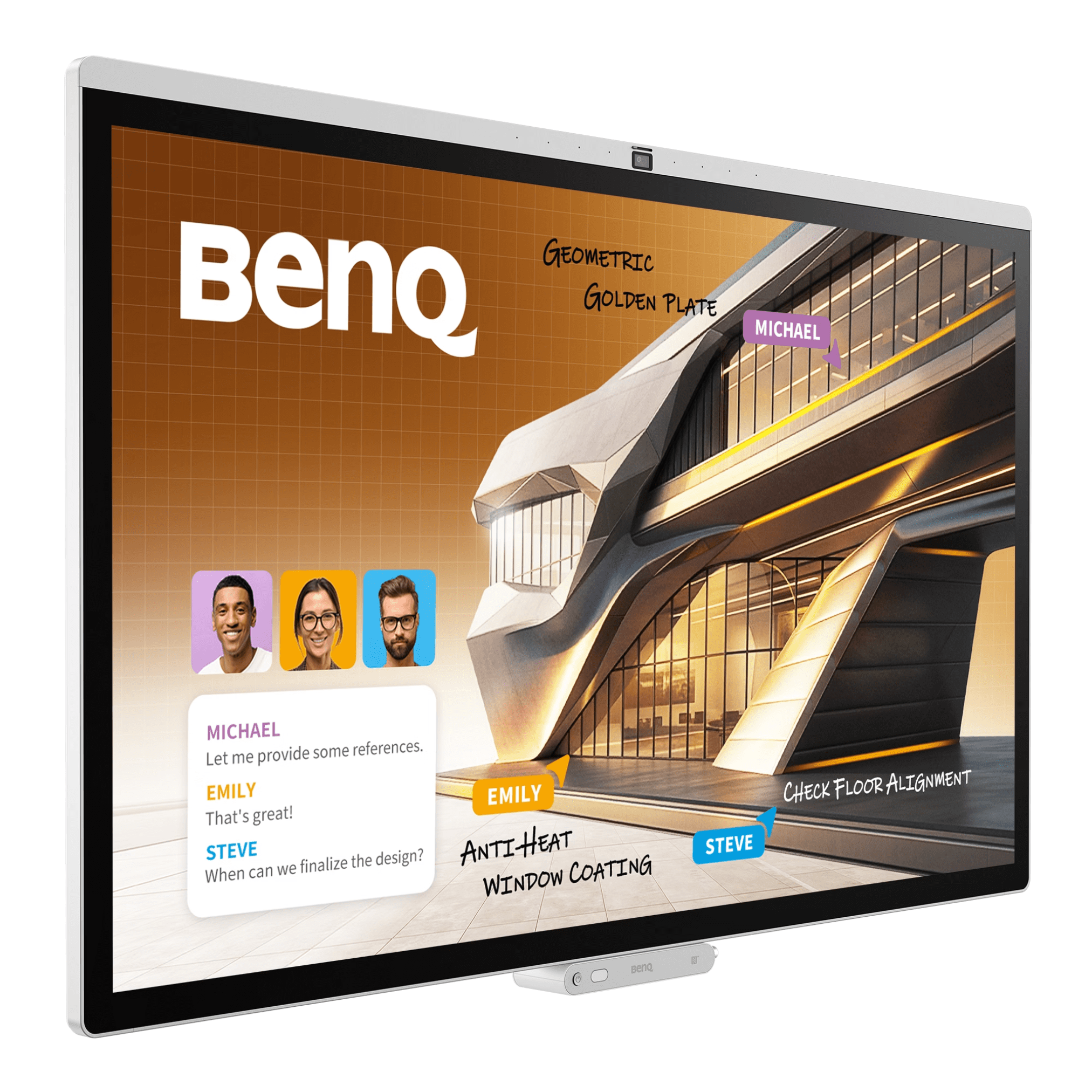
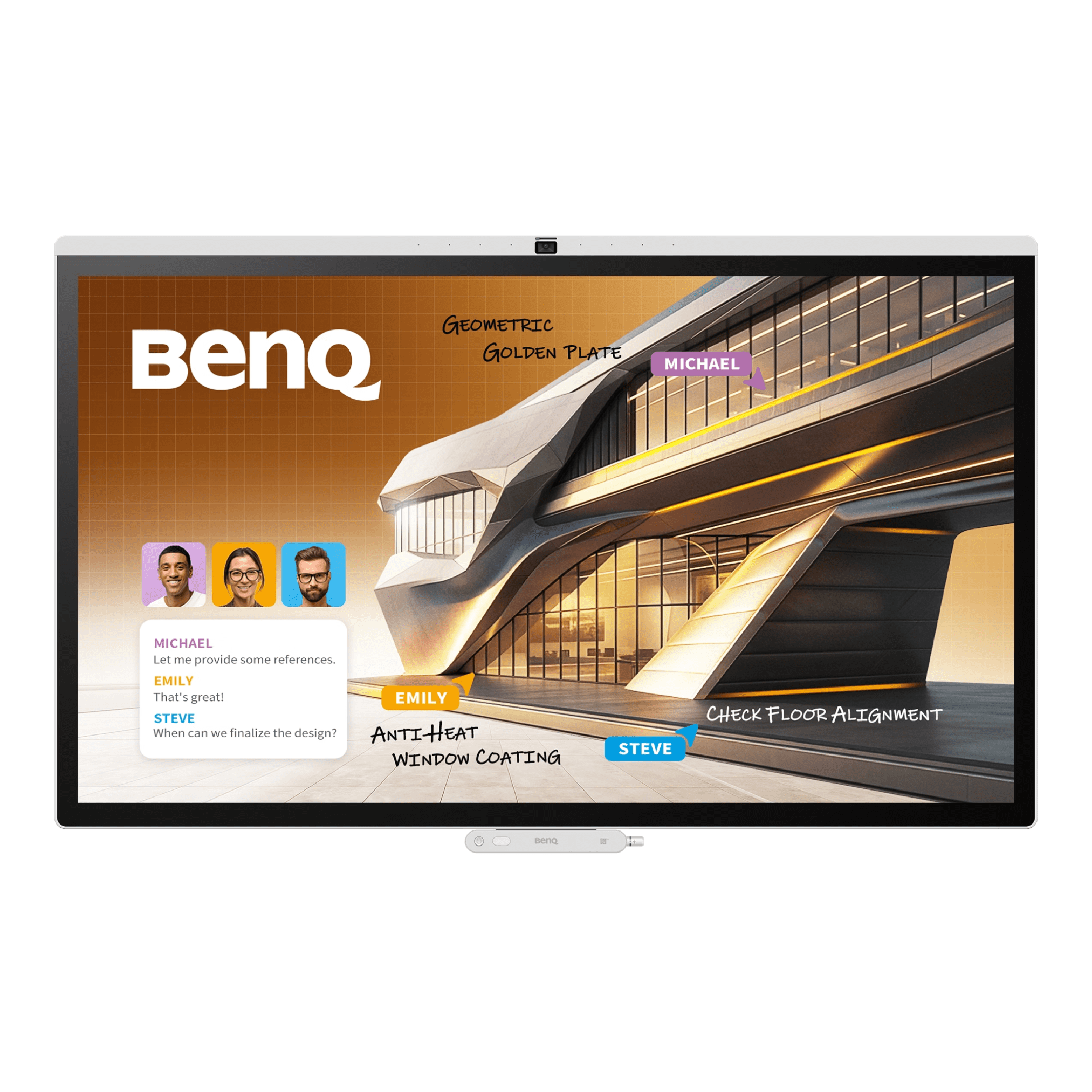
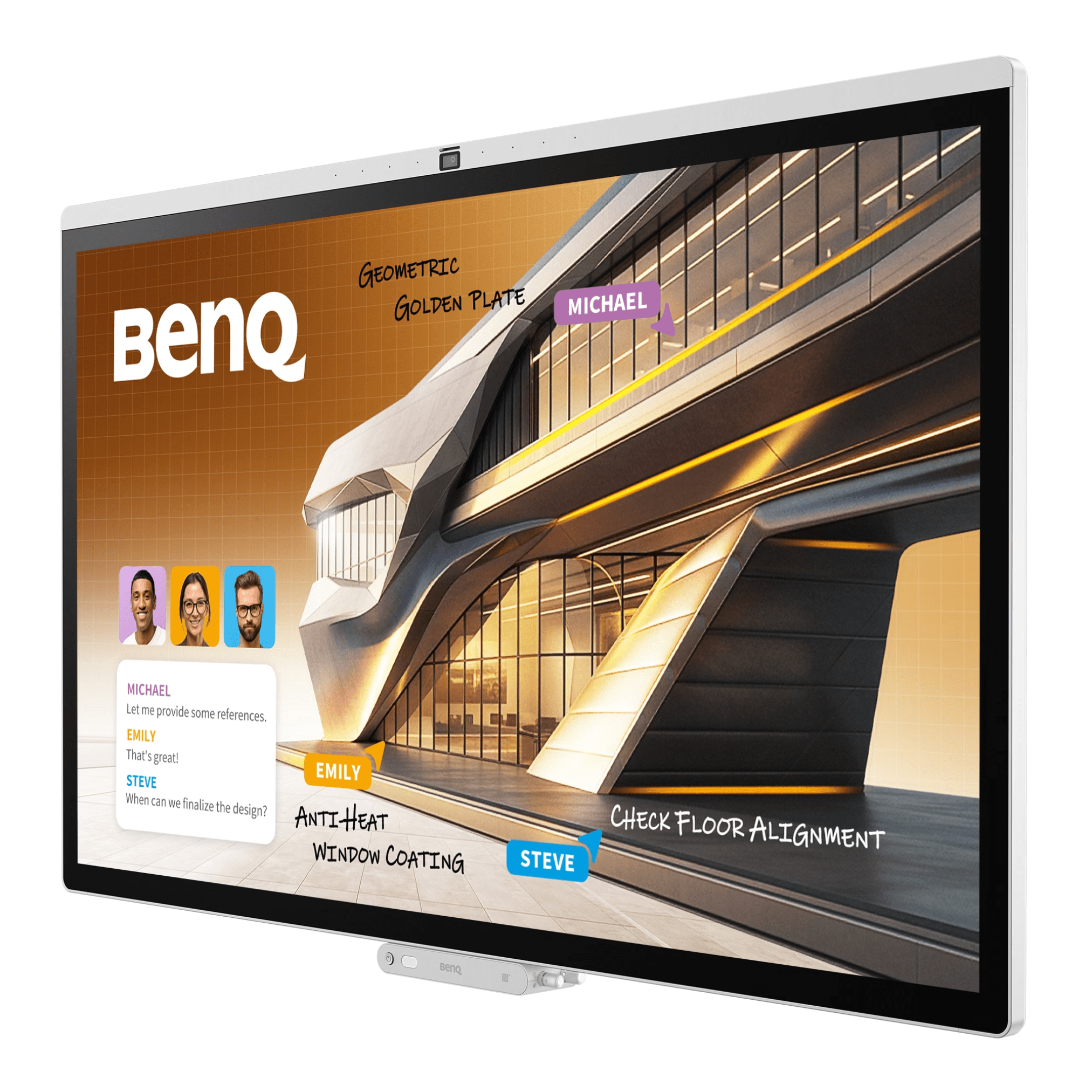
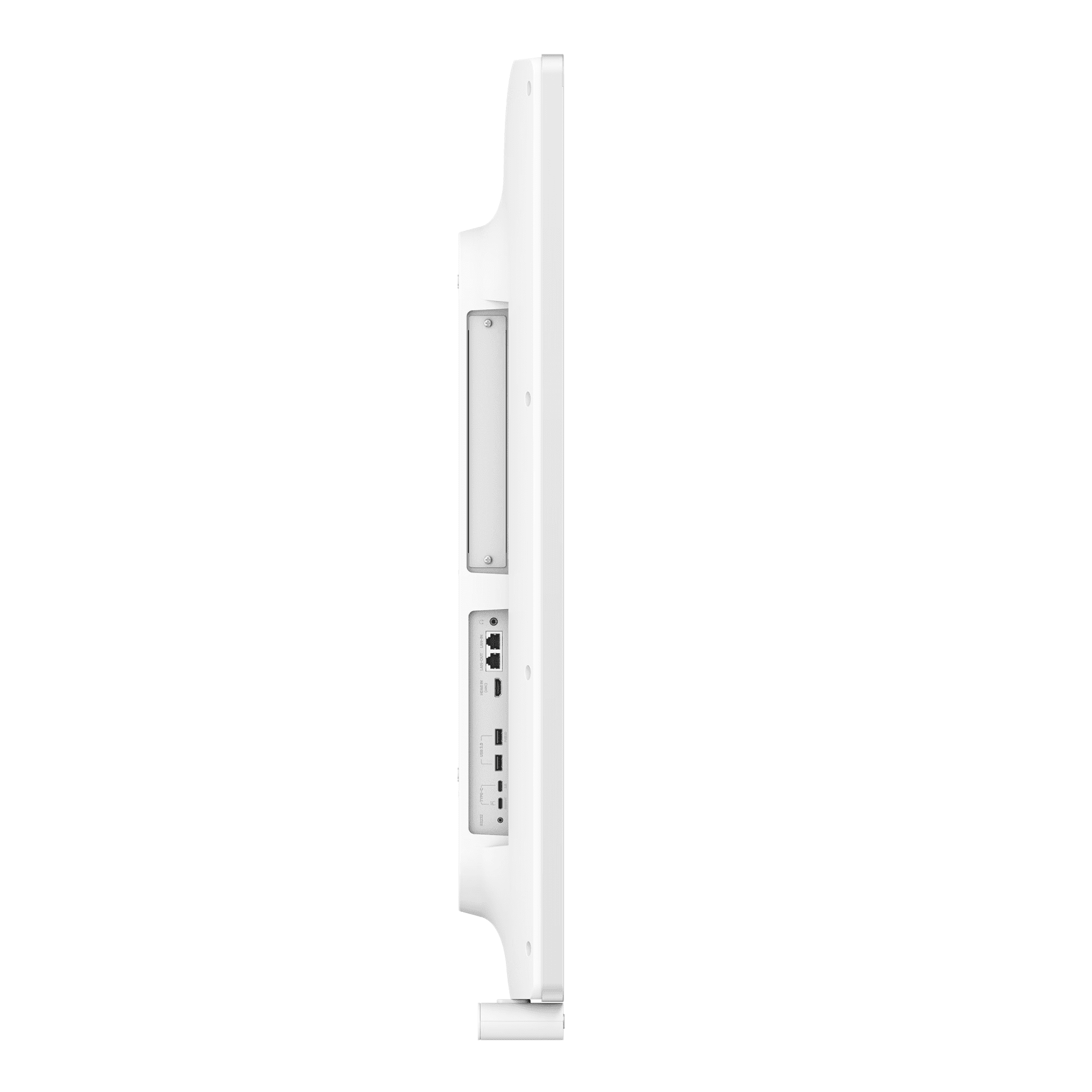
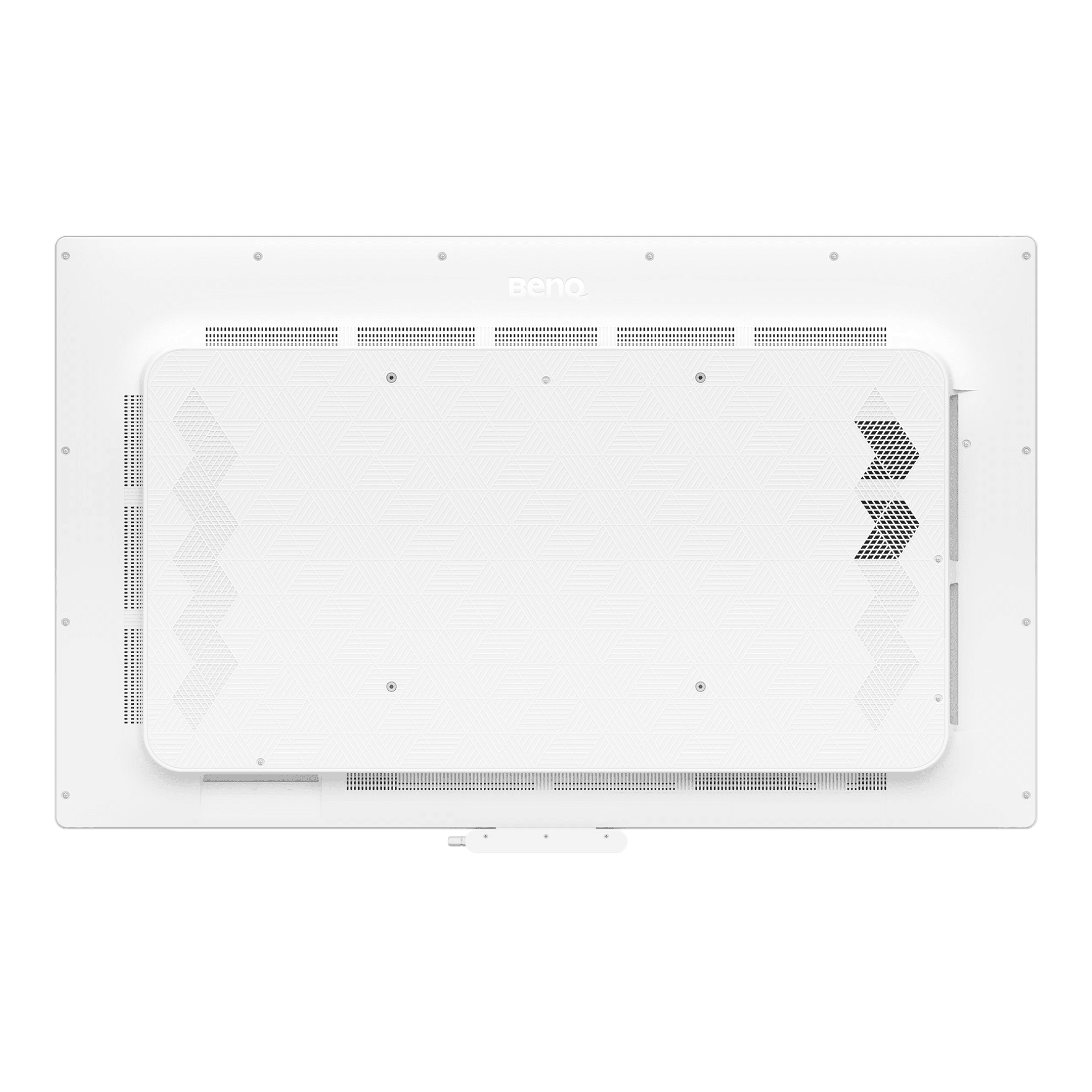
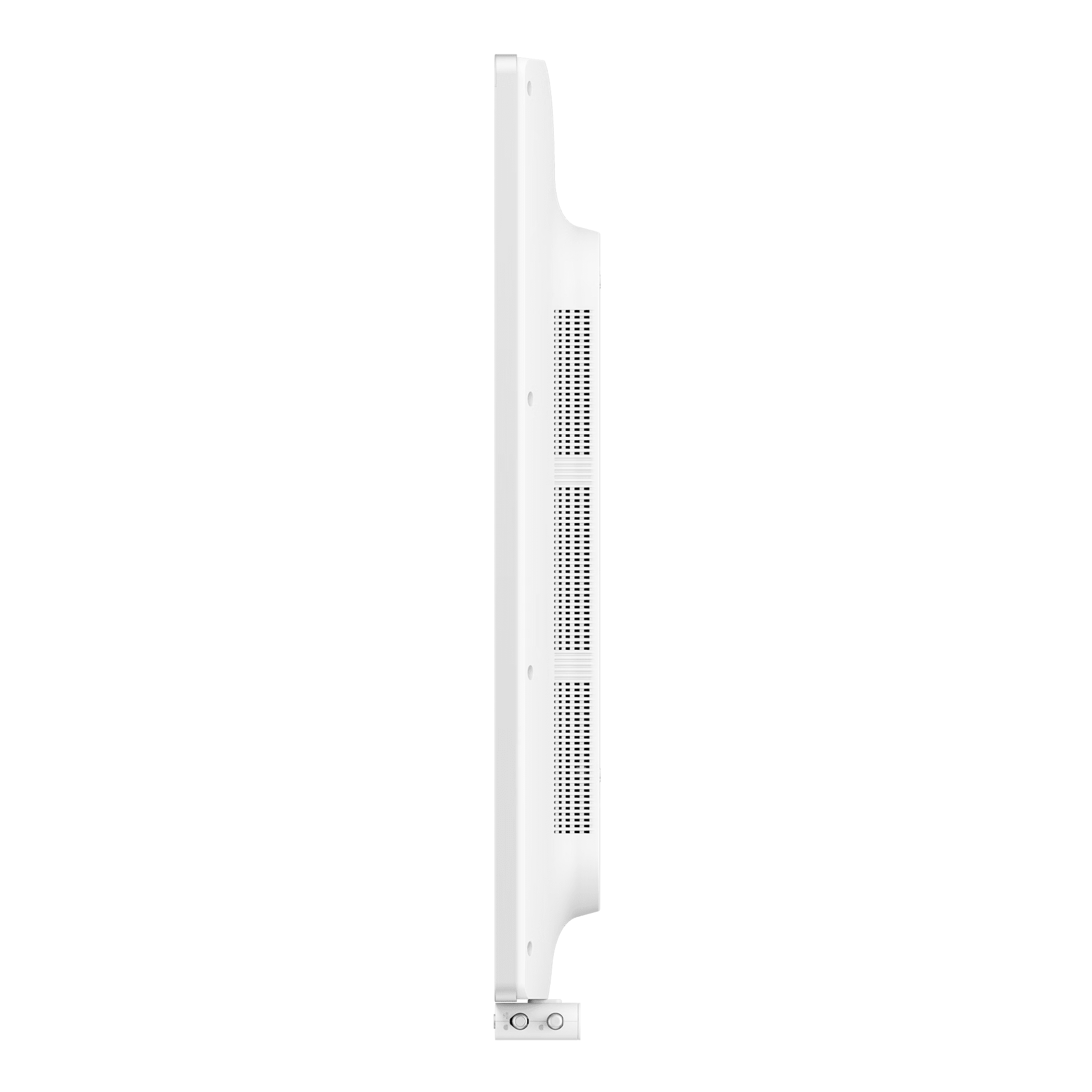
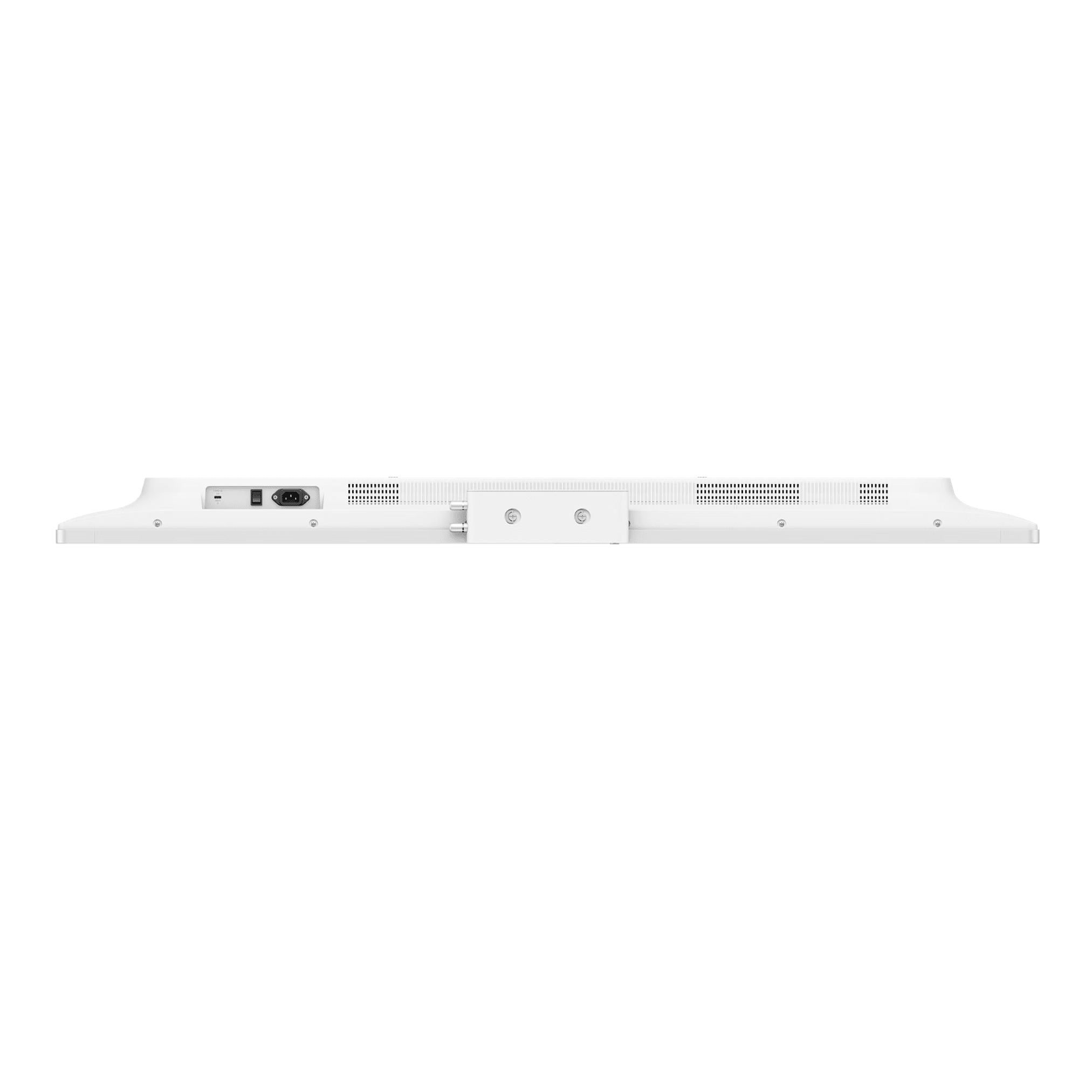
    The BenQ Board Pro AIO Interactive Display Series is a high-end interactive display solution for today’s collaborative workspace with 55″ & 75″ interactive display sizes. They combine their leading-edge AI tools along with a very quick response touch experience to create a seamless meeting and presentation experience. This interactive display is designed to enhance the productivity of both business and educational settings. In addition, the BenQ Board Pro displays also provide high-end visual quality, offering Pantone validated colour accuracy as well as multiple viewing modes. Making the BenQ Board Pro an outstanding interactive display that enables effective teamwork & communication.

    Please note that only the 55″ Interactive Display Screen is available in portrait orientation

    Product Code

    55" - CP5505
    75" - CP7505

      Request Bulk Quote

      This site is protected by reCAPTCHA and the Google Privacy Policy and Terms of Service apply. We will never sell or share your information.
      Close Form Window
      Get product demo

      BenQ Board Pro – All in One Interactive Display Series

      Introducing BenQ’s most advanced meeting display yet

      Key Features:
      • Advanced meeting display with built-in AI tools
      • 50 MP AI camera for sharper video conferencing
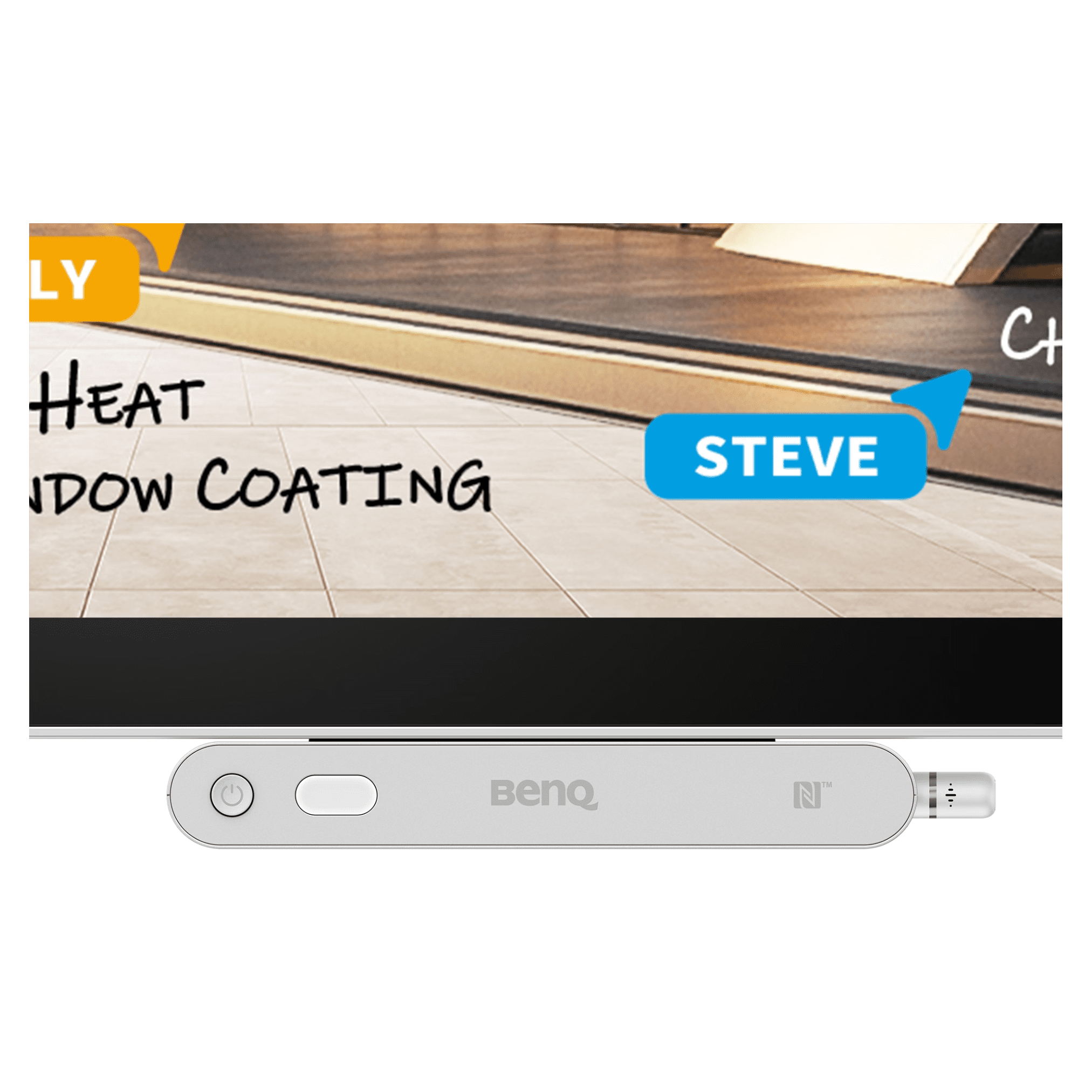
      • Active pen for easy presentation control
      • Hassle-free device and account management
      • Pantone and SkinTone validated colours
      When Collaborative Efforts Demand More
      This interactive display series is designed for diverse corporate settings and industries, with vibrant, consistent colour, intuitive AI, secure login, and more.
      Smart, Secure, Collaboration Optimised & Made To Fit You
      • 10 TOPS NPU – Industry-leading AI performance
      • Projected capacitive touch – Responsive, natural multi-touch experience
      • Active pen – Control slides, activate Google Gemini, and launch SummarAI
      • Pantone & Pantone SkinTone validation – Calibrated for color precision
      • DICOM mode – Medical-grade imaging accuracy
      • Data privacy assured – Certified compliance with global standards, including CASA
      • Built-in AI features – All-in-one office and meeting assistant
      • 50 MP AI camera – High-resolution, intelligent imaging
      • Multi-user login – Secure access via NFC and QR code
      • Portrait mode – Flexible vertical and horizontal viewing
      • Hassle-free for IT – Simplified management for IT teams
      From Login To Collaboration, Smarter Every Step

      Your workspace, secure and ready on demand. Turn the interactive display into your personal device with secure login and instant access to cloud storage, signed-in websites, and app shortcuts.

      Secure multi-user login on a BenQ meeting display using an NFC card to access personalized workspaces and cloud storage.
      Do More With AI

      Get quick answers, capture key points, and bring concepts to life with enhanced visuals.

      • Ask AI – Get answers on the spot
      • Lasso Search – Circle, search, discover
      • SummarAI – Automatic meeting minutes
      • Circle to Artify – From notes and sketches to art

      BenQ meeting display showing AI-driven Lasso Search feature identifying an architectural landmark on screen with integrated information panel and Ask AI assistant.

      Colour Precision For Every Industry

      Professional-grade accuracy with 95% DCI-P3 coverage and expert-tuned colour modes.

      • M-book mode – Optimised for designers using the MacBook. Brilliant colours faithfully reproduced.
      • High-detail mode – Sharper contrast accentuates details. Perfect for schematic diagrams, codes, and blueprints.
      • DICOM mode – Medical-grade accuracy when displaying digital images, with no loss of detail.
      • ePaper mode – Grayscale lowers brightness for visual comfort and optimal use in text-heavy tasks like reviewing contracts and financial data.

      BenQ meeting display with 95% DCI-P3 coverage and Pantone Validated mode showing architectural textures like Pearled Ivory and Turquoise for professional color precision.

      Everyone, In Perfect View

      Collaborate as if in person with 4K fidelity, AI tracking, a wide viewing angle, and more.

      • 160° field of view
      • AI Gallery View
      • AI camera gestures
      • AI voice tracking
      • 50 MP camera
      Diverse team of professionals in a bright, modern office using a BenQ display for a hybrid meeting with remote participants.
      Hear & Be Heard

      With this interactive display screen, all conversations flow naturally and every participant is heard clearly, avoiding both echoes and distractions.

      • 39.4ft (12m) max pickup range
      • Speech enhancement
      • Auto gain control
      • AI reverb & noise cancellation
      • Dynamic audio equaliser

      Wide-angle view of a premium corporate boardroom featuring a large-format BenQ interactive display and 90W sound system.

      Seamless, Wireless Sharing

      Cast your entire screen, a single app, or extend your interactive display with InstaShare 2. For app-free sharing, use Miracast, AirPlay, Google Cast, or web casting.

      • Share via any network – Webcast lets you screen share via a browser. App-free, special network not required.
      • So simple – No additional software needed. All screen features are built in.
      • Present wherever – Control your device from the board with two-way touchback
      • Cast only what’s necessary – Share just an app or your presentation to the extended screen. The rest stays private

      Visualization of cross-platform wireless screen sharing between a laptop, tablet, smartphone, and the BenQ meeting display.

      An Unlimited Workspace

      BenQ EZWrite is a powerful whiteboard with a collection of tools designed for more engaging presentations and discussions.

      EZWrite 6 software on a BenQ display showing an infinite whiteboarding canvas with imported 3D architectural models and digital sticky notes.

      Import. Brainstorm. Share

      Bring all your content, slides, spreadsheets, documents, images, and videos into an infinite canvas to collaborate and share with stakeholders effortlessly.

      Tools For Every Situation
      • Fully Featured USB-C – Share your screen, charge your laptop and control right from the board.
      • Meeting Reservation – Book rooms and check your schedule with the BenQ MeetingRoom system.
      • Ink Freely – Add notes and highlight on top of any app, document, or input source.
      • Side-by-side Drag & Drop – Easily move content between Chrome and EZWrite.

      BenQ Board Pro – All in One Interactive Display SeriesBenQ Board Pro – All in One Interactive Display Series

      Want to know more about this solution? Contact our friendly and specialist sales team today.

      Brand

      OS License

      Operating System

      Orientation

      Memory

      storage

      Aspect Ratio

      Usage

      Brightness

      Touch Points

      Industry sector