Speak to our specialist sales team | 0151 372 7766 | in**@**************co.uk
Public sector & education POs accepted


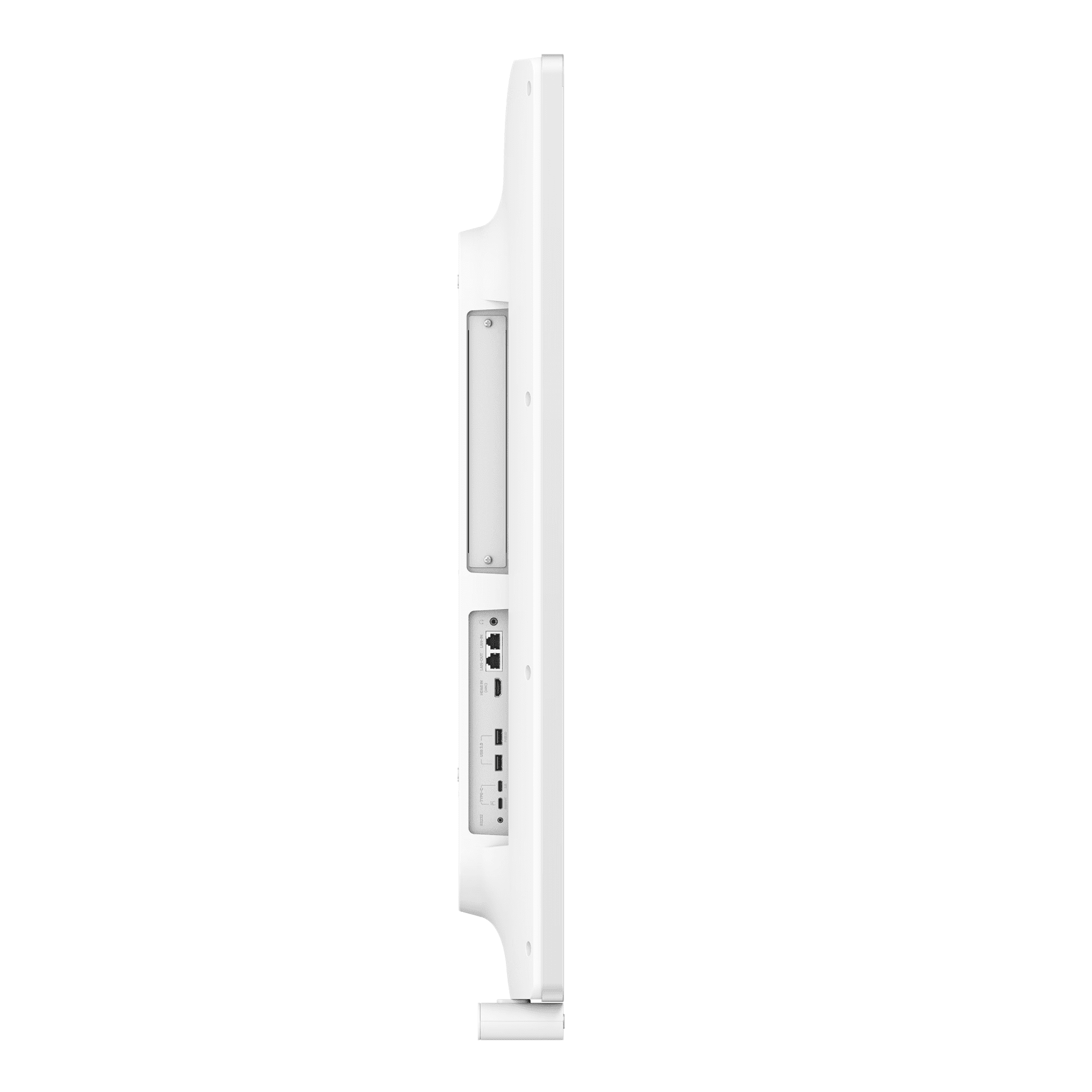
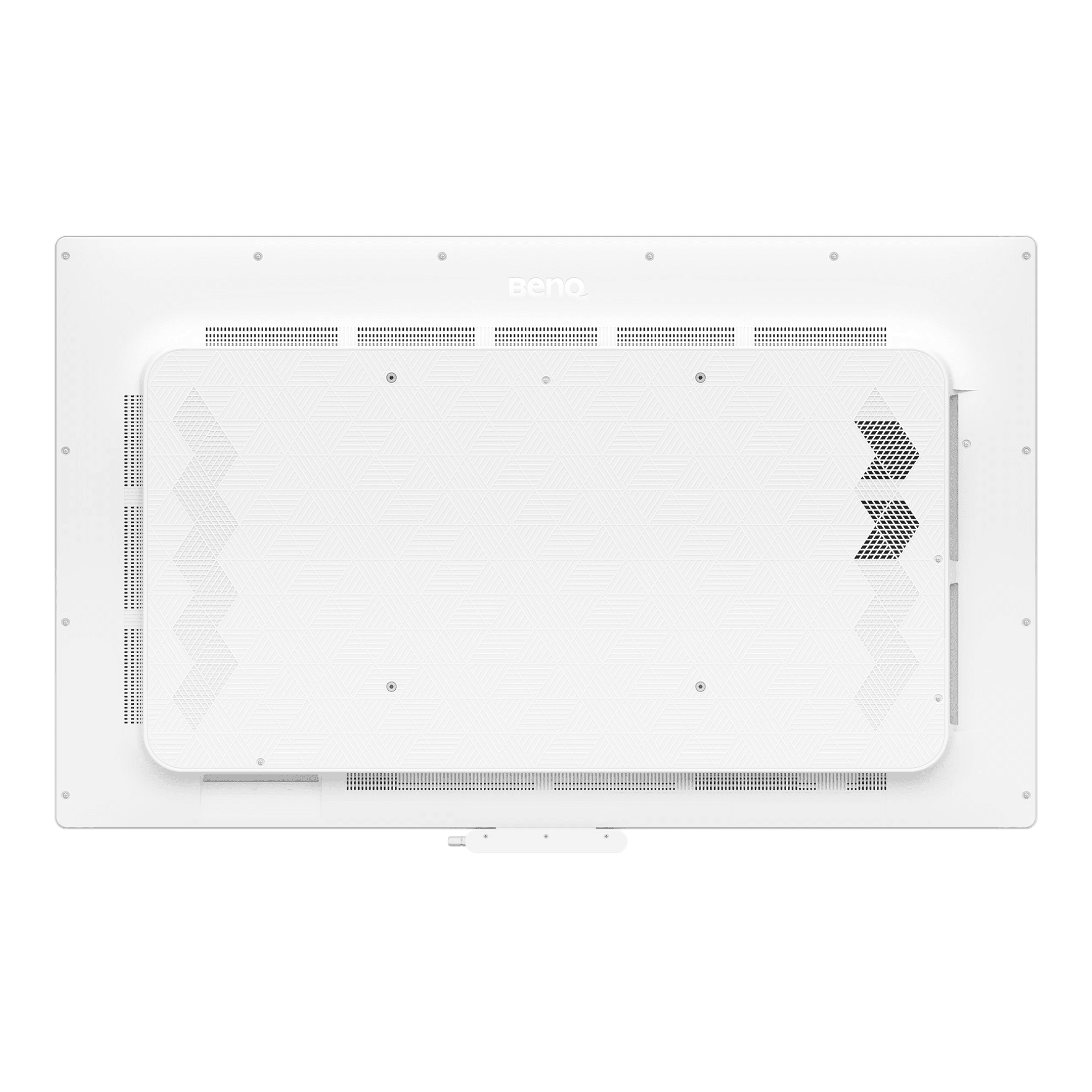
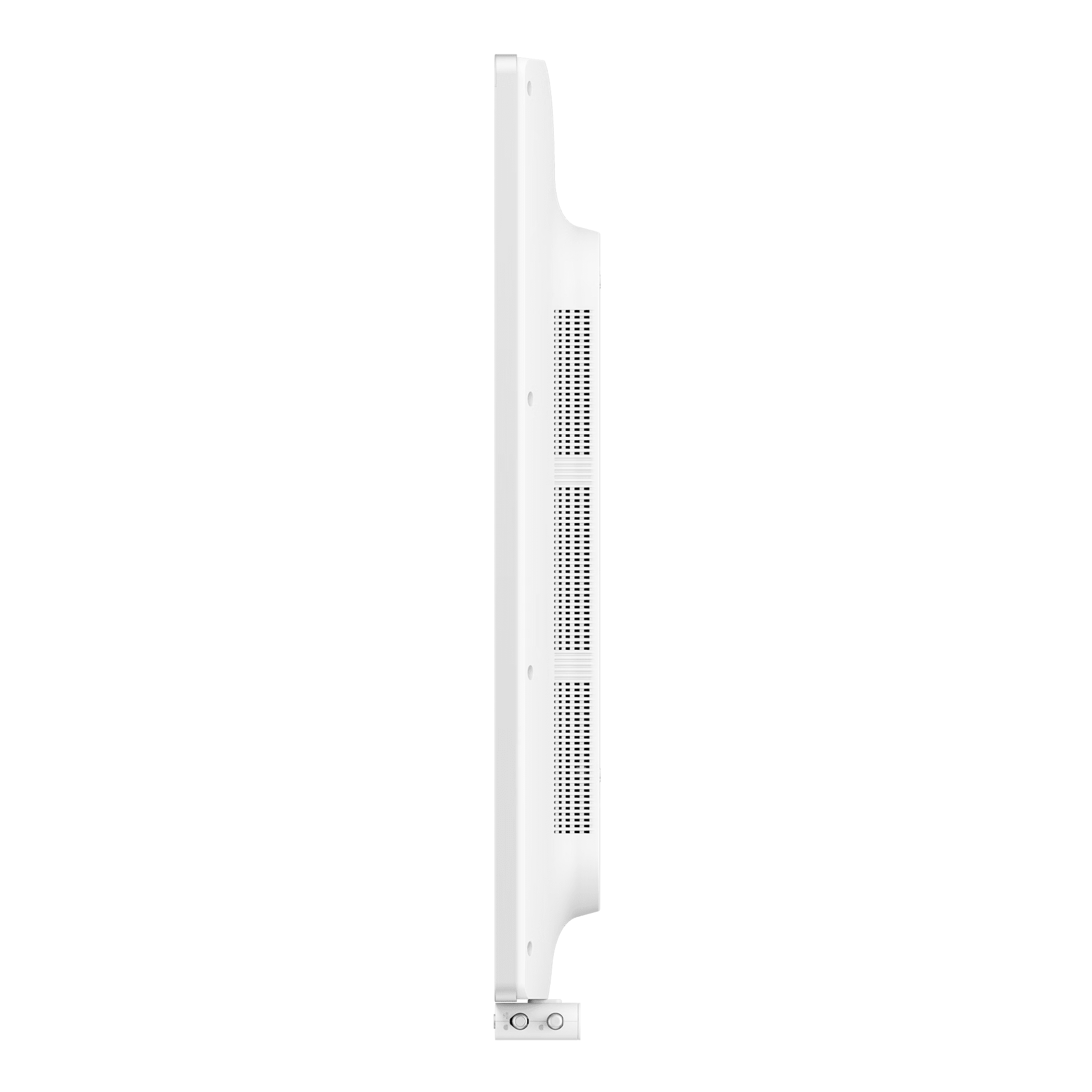
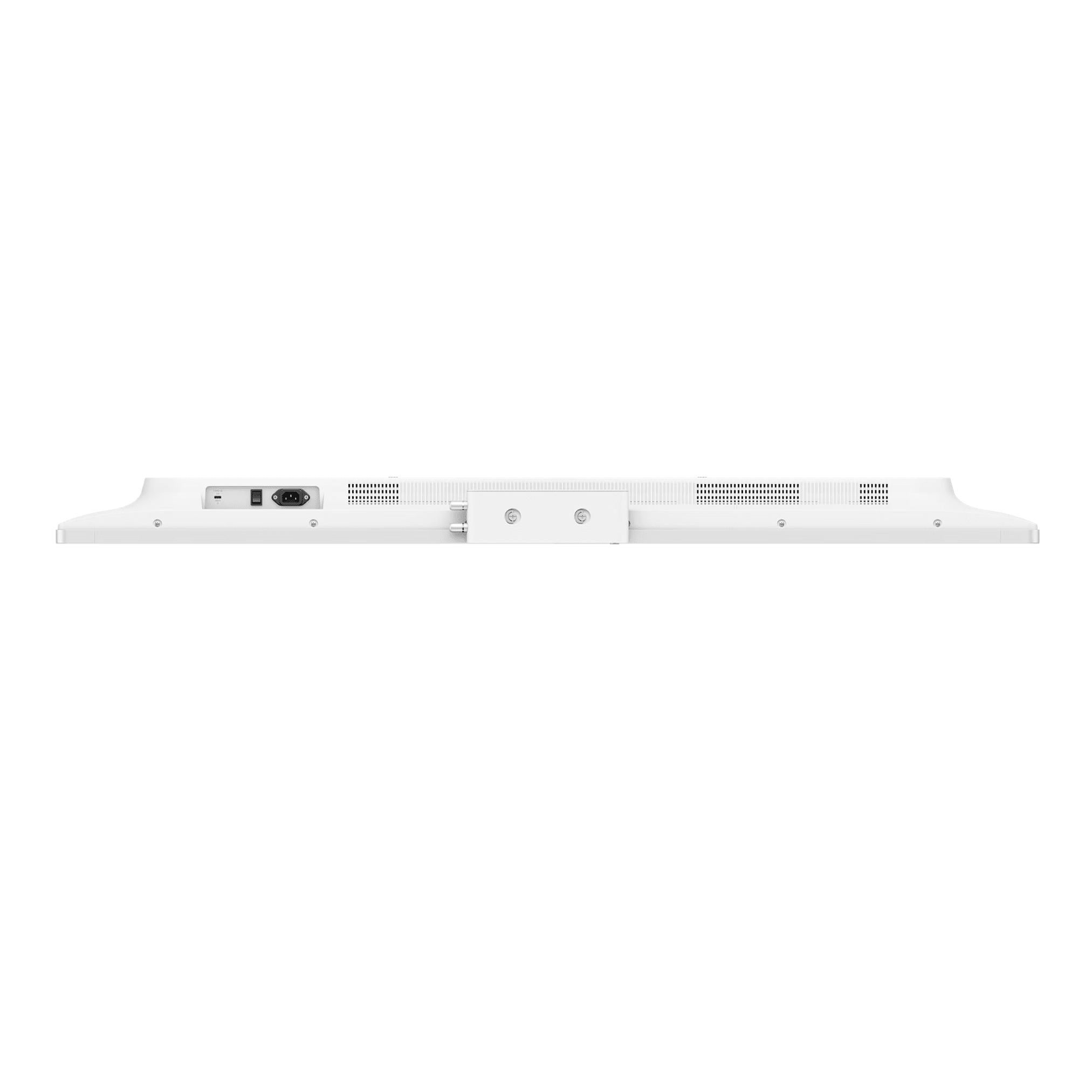
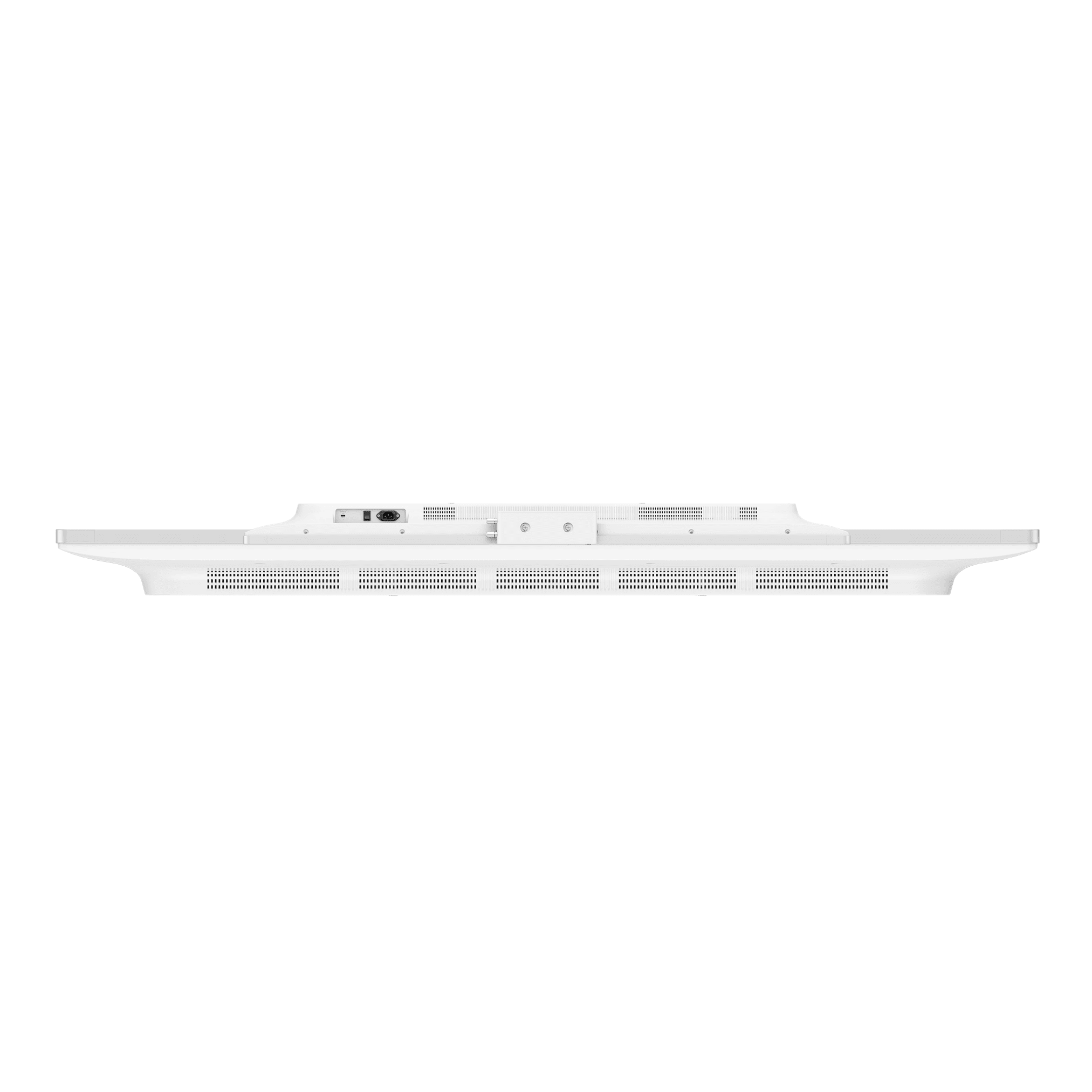
Available in 55" & 75"
From: £4,999.00 + VAT





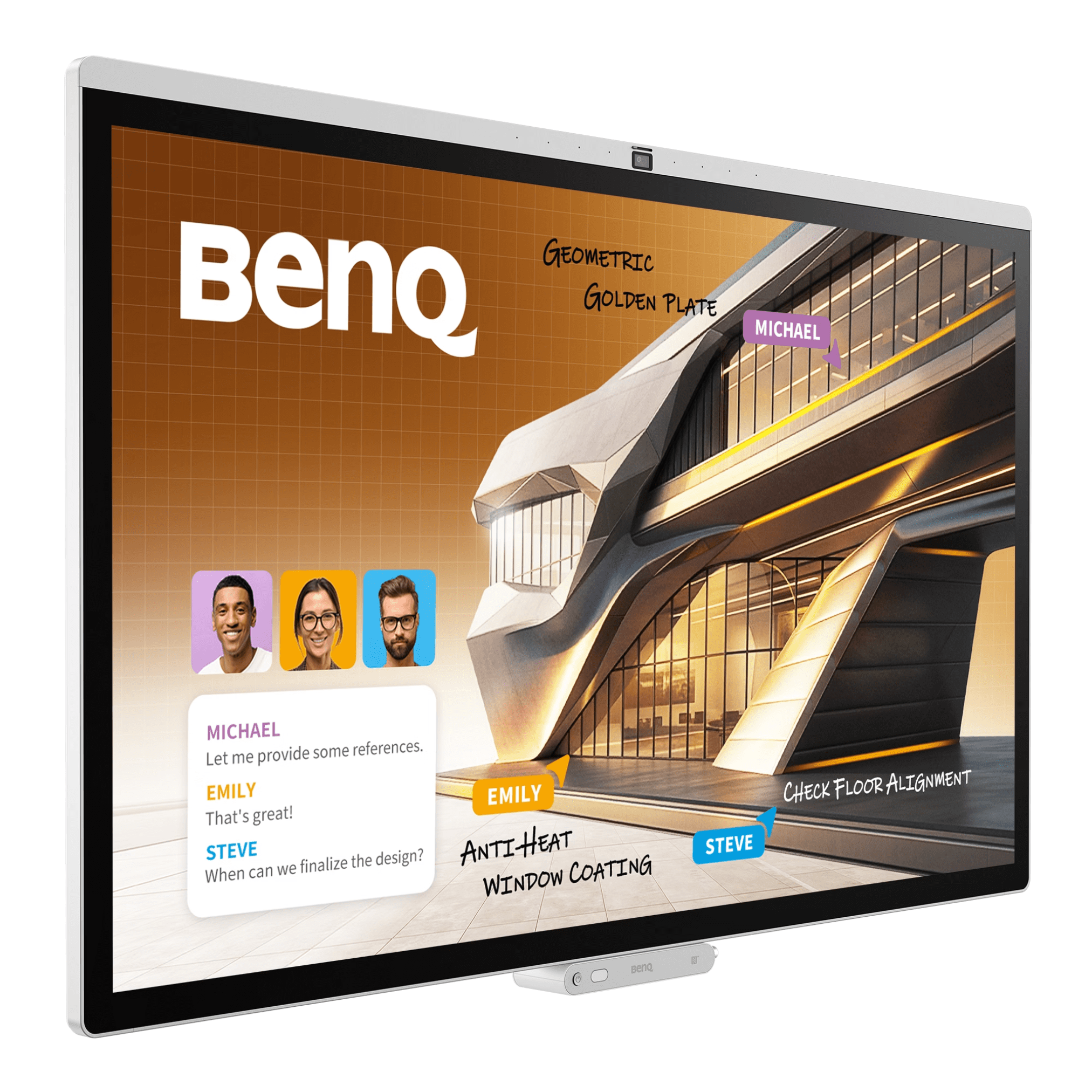
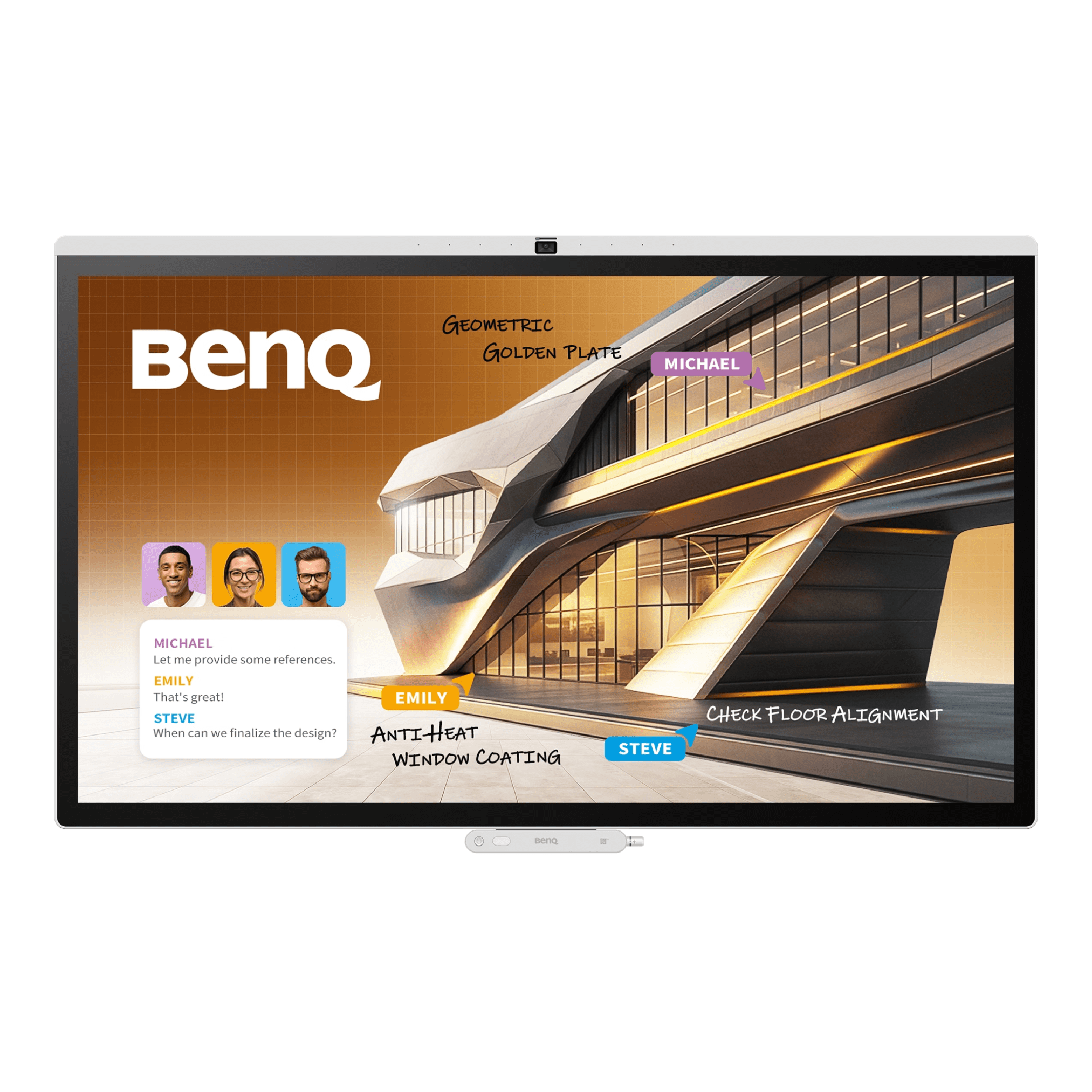
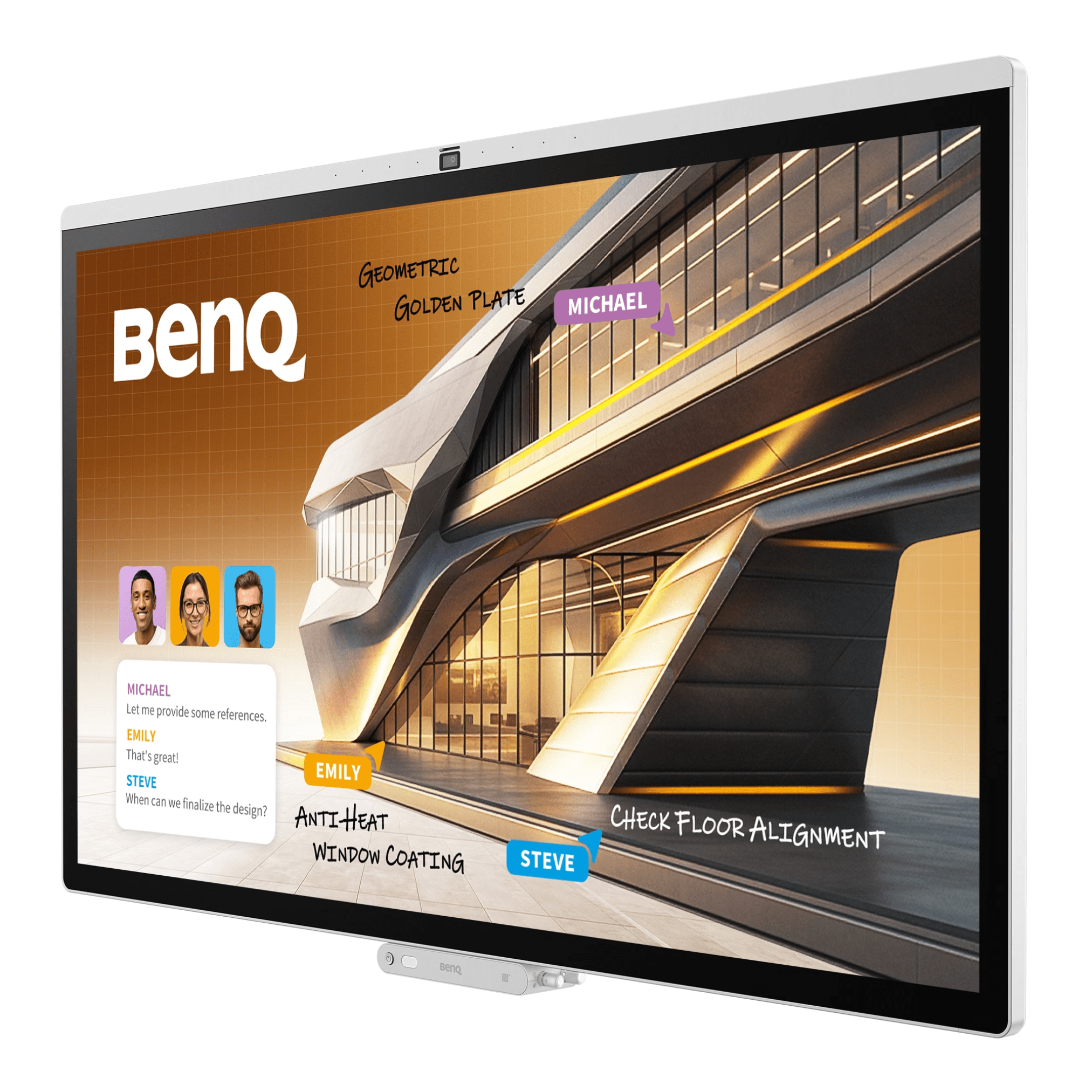
The BenQ Board Pro AIO Interactive Display Series is a high-end interactive display solution for today’s collaborative workspace with 55″ & 75″ interactive display sizes. They combine their leading-edge AI tools along with a very quick response touch experience to create a seamless meeting and presentation experience. This interactive display is designed to enhance the productivity of both business and educational settings. In addition, the BenQ Board Pro displays also provide high-end visual quality, offering Pantone validated colour accuracy as well as multiple viewing modes. Making the BenQ Board Pro an outstanding interactive display that enables effective teamwork & communication.
Please note that only the 55″ Interactive Display Screen is available in portrait orientation


Introducing BenQ’s most advanced meeting display yet
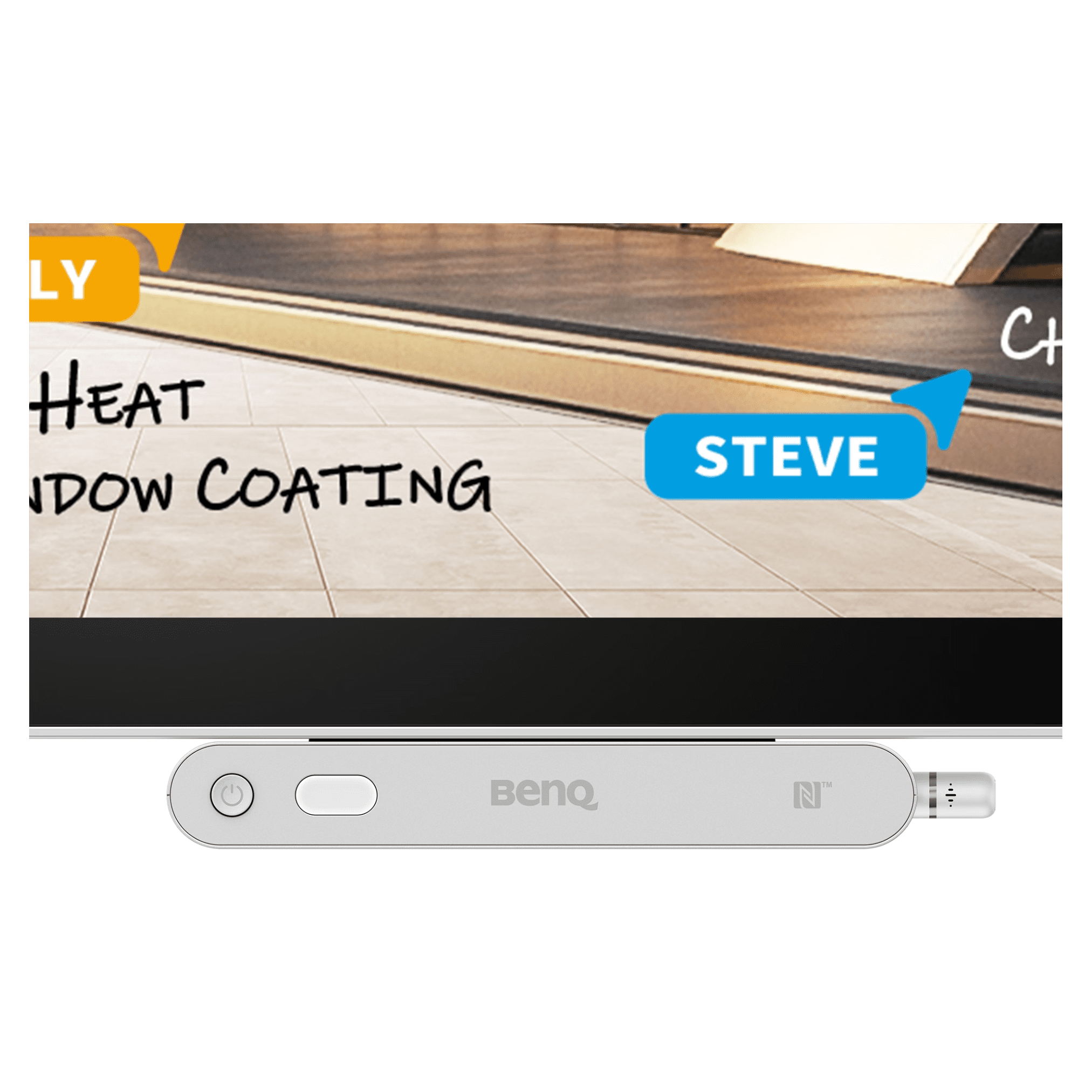
Your workspace, secure and ready on demand. Turn the interactive display into your personal device with secure login and instant access to cloud storage, signed-in websites, and app shortcuts.

Get quick answers, capture key points, and bring concepts to life with enhanced visuals.

Professional-grade accuracy with 95% DCI-P3 coverage and expert-tuned colour modes.

Collaborate as if in person with 4K fidelity, AI tracking, a wide viewing angle, and more.

With this interactive display screen, all conversations flow naturally and every participant is heard clearly, avoiding both echoes and distractions.

Cast your entire screen, a single app, or extend your interactive display with InstaShare 2. For app-free sharing, use Miracast, AirPlay, Google Cast, or web casting.

BenQ EZWrite is a powerful whiteboard with a collection of tools designed for more engaging presentations and discussions.

Want to know more about this solution? Contact our friendly and specialist sales team today.
We supply great products with fast delivery. For selected projects, we can also provide surveying, installation, training and ongoing support.
Delivery is calculated at checkout, and most in-stock items ship within a few working days. Larger or made-to-order items, such as video walls, LED and some signage, have longer lead times that we confirm before you order. If you need it for a set date, tell us and we will work to it.
Yes. We accept purchase orders from schools, colleges, trusts and public sector bodies as standard and can invoice against your PO. Prices shown are excluding VAT, and VAT is added at checkout.
Both. Many products are supplied and delivered only, and for selected projects we also survey the site, install and set everything up. If you would like installation, add it to your enquiry or ask us for a quote and we will confirm what is available for your product and location.
Every product comes with its manufacturer warranty, which varies by brand and range. On the products and projects that include it, we also provide training and ongoing phone and technical support. We will confirm exactly what is included before you buy.
Yes. Use the quote request on any product, or contact us with your list and quantities, and we will price the full project, including any mounts, installation or training you need.
© 2026 FutureVisuals, a trading name of All Office Ltd. | Website by Crayon Digital